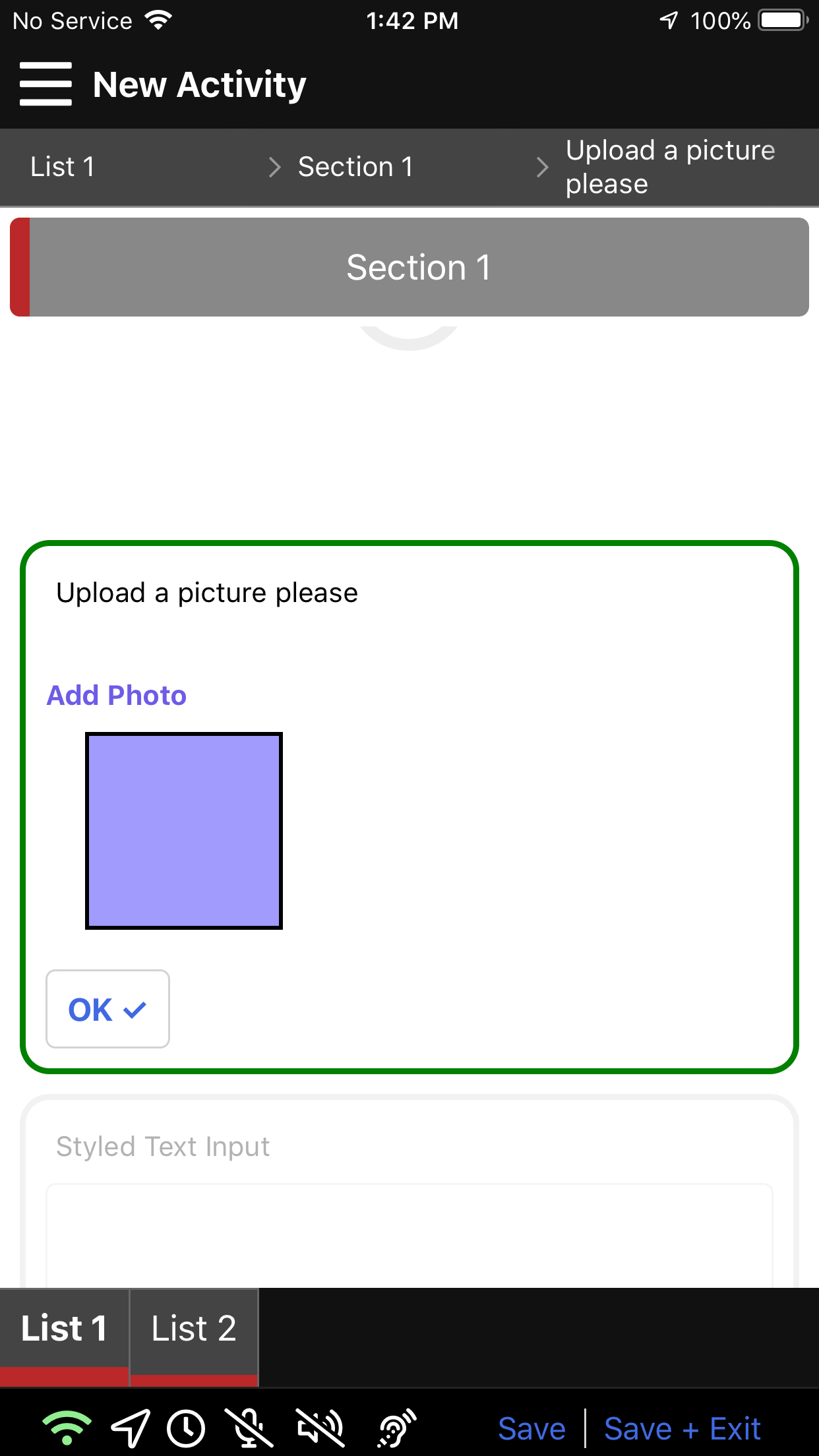
Media Upload
(Mobile only)
The Media Upload item allows the user to upload a photo or video from their device depending on the parameters set in the Activity editor.
- Media Type - uploaded media types can be restricted to photo, video, or both
- Add Media Button Title - Changes the label of the "Add Media Button" (i.e. Add photo!)
- Upload Title - Changes the label of the option for the user to upload pre-taken images
- Capture Media Button Title - Label for the option for the user to take an image at that moment with their device
Media Upload Demo
Styling the Media Upload Item
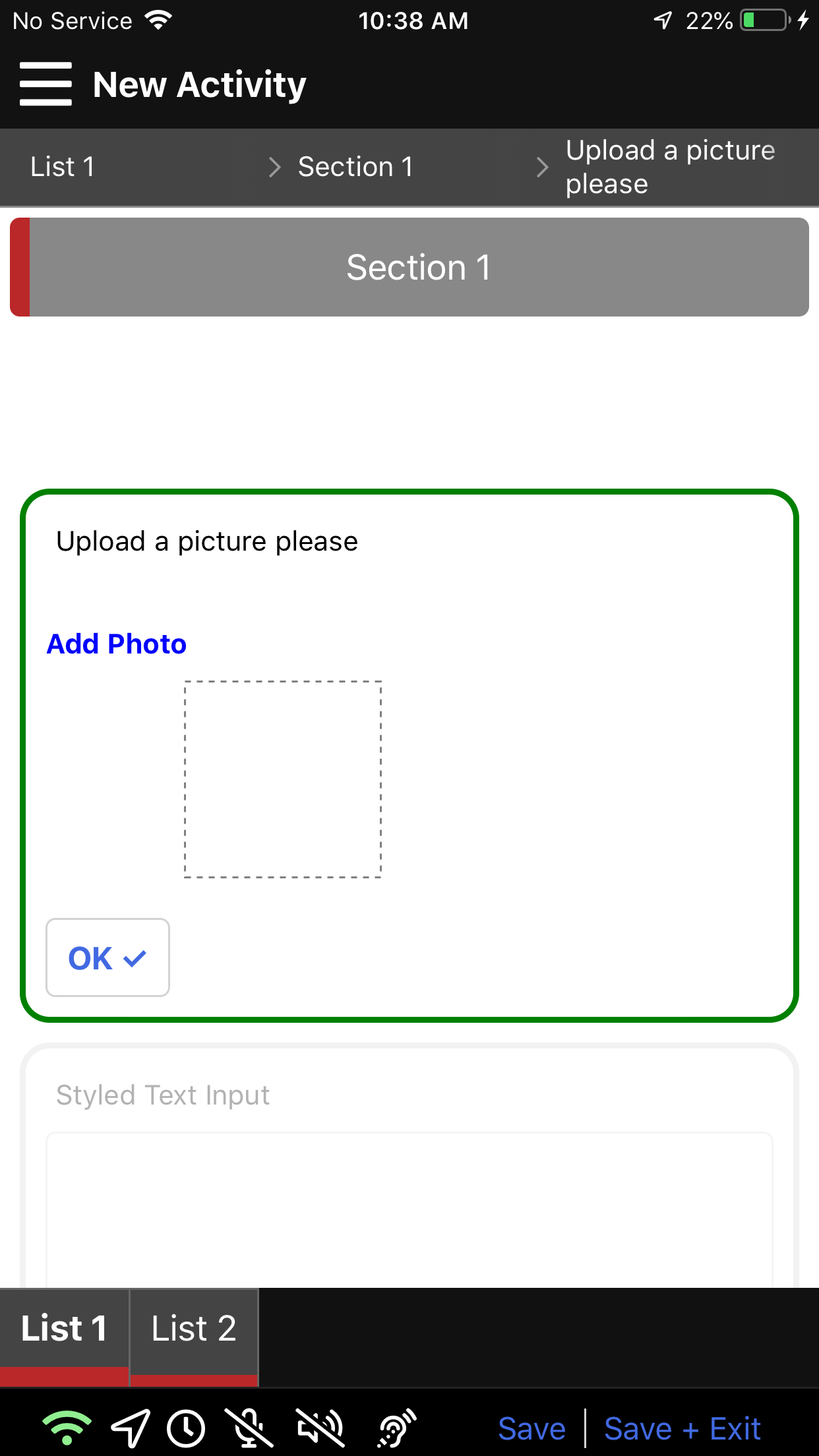
The customizable aspects of the media upload item include the button and image placeholder. The button has a color and fontWeight and the placeholder has various aspects such as border style and background color.
{
    "item" : {
        "mediaPicker": {
            "button": {
                "color": "#6c5ce7",
                "fontWeight":"bold"
            },
            "imagePlaceholder": {
                "width": 100,
                "height": 100,
                "borderStyle": "solid",
                "borderWidth": "2px",
                "borderColor": "black" ,
                "backgroundColor":"#a29bfe"
            }
        }
    }
}
In the above we show the options available. Below is an example of what it looks like with some changes to the style.